
Most businesses blame their ads when leads go cold. In many GoHighLevel accounts, though, the leads arrive just fine — they get lost afterwards, inside workflows that look correct but don’t behave the way you expect. These are five mistakes I see often, and how to fix them.
1. One giant workflow that does everything
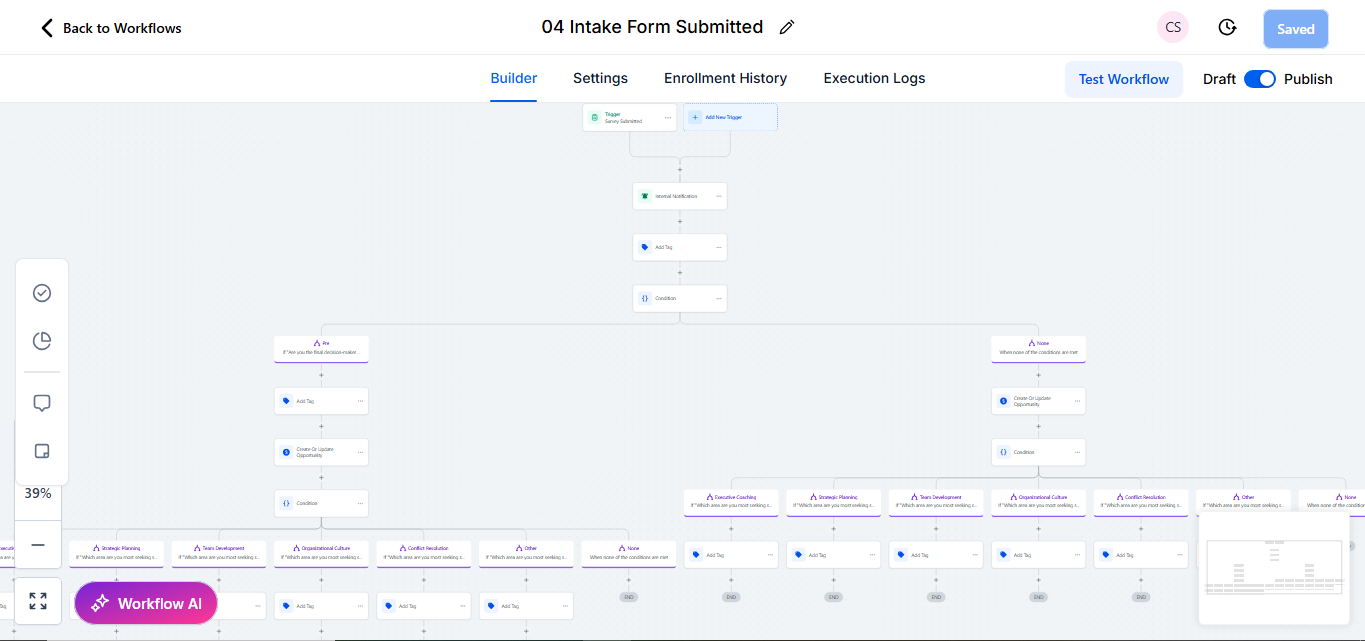
A single workflow that handles the new lead, the follow-up, the booking reminder and the reactivation is hard to read and even harder to debug. When one branch breaks, everything after it breaks too.
Fix: split the journey into small workflows with one job each — for example New lead → Speed to lead, Booked → Reminders and No reply 7 days → Re-engage. Connect them with tags or pipeline stages instead of long chains of steps.
2. No exit conditions
If a lead books a call on day two, they should stop getting “Did you get a chance to book?” messages on day four. Without goals or exit conditions, contacts keep receiving follow-ups that no longer make sense.
Fix: add a Goal Event (for example “appointment booked” or a tag being added) so the contact leaves the sequence as soon as they take the action you wanted.
3. Re-entry turned on by accident
“Allow re-entry” is useful for some workflows, but on a new-lead sequence it can send the same welcome series every time a form is submitted again — or every time a tag is re-added by another automation.
Rule of thumb: re-entry off by default. Turn it on only when you have a clear reason and a filter that prevents loops.
4. Wait steps that ignore business hours
A message that fires at 2:13 a.m. is easy to miss and can feel automated. Waits based only on “X minutes” do not care about the clock.
Fix: use wait steps with time windows, or the advanced window settings, so SMS and calls go out during sensible hours in the contact’s time zone.
5. Nobody is told when a lead needs a human
Automation should handle the repetitive part and hand over the moment a real person is needed — a reply to an SMS, a high-value enquiry, a missed call.
Fix: add internal notifications and tasks: assign the opportunity, notify the right user and create a task with a due time. Then check that the notification actually reaches someone.
Quick checklist
- Each workflow has one clear purpose and a clear name.
- Every follow-up sequence has a goal or exit condition.
- Re-entry is off unless it is needed on purpose.
- Messages respect business hours.
- A human is notified when the lead responds or needs attention.
If your account has grown messy over time, an audit is usually faster than rebuilding from scratch — fix the logic, remove duplicates and document what each workflow does.